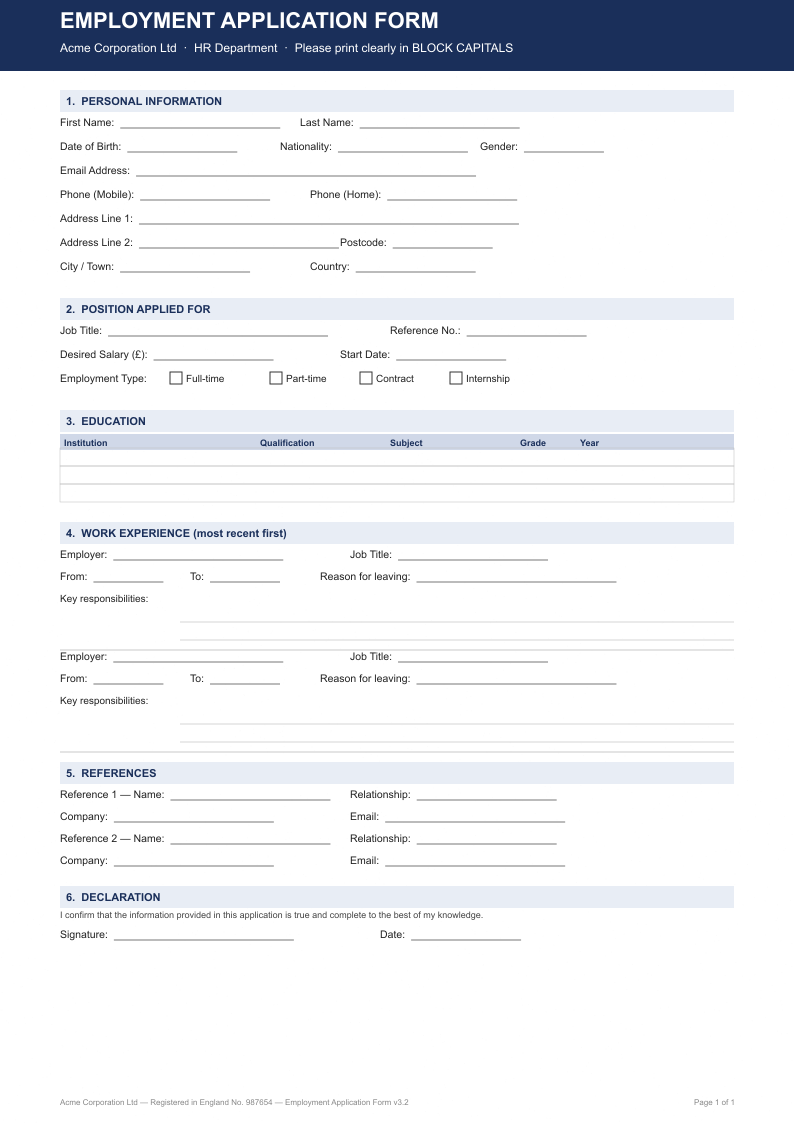
Drop your photo and the tool runs Optical Character Recognition (OCR) to read all text on the form. It then looks for blank zones — long horizontal underlines, empty space after label colons, and empty rectangular boxes. Each blank gets an interactive input field overlaid on the image. Type your answers directly on the form, then click Export Filled PDF to bake everything into a downloadable PDF.
Common Use Cases
Filling insurance claim forms you only have as a photo
Completing government applications without printing and scanning
Digitising onboarding paperwork emailed as a photo attachment
Filling medical intake forms from a phone photograph
Frequently Asked Questions
What types of forms work best?
Printed forms with clear horizontal underlines or labelled blank boxes work best — tax forms, insurance forms, government applications, HR onboarding forms, and medical intake forms. Forms with handwriting already filled in may have lower field detection accuracy because the OCR may interpret existing text as labels rather than blanks.
How does the tool detect blank fields?
The tool uses two methods: first, it scans horizontal pixel runs to find long underlines (a common way paper forms mark where you should write); second, it uses OCR word positions to find whitespace to the right of label words ending in a colon or question mark. Detected fields appear as blue input boxes overlaid on the image.
Can I add fields that were not detected?
Yes. Click anywhere on the form image to place an additional input field at that position. You can type into any field — both auto-detected and manually added. All filled values are baked into the exported PDF.
Is my form image uploaded to a server?
No. Everything runs entirely in your browser using Tesseract.js for OCR and pdf-lib for export. Your form image never leaves your device.
What image formats are supported?
JPG, JPEG, PNG, and WebP are supported. For best OCR accuracy, use a high-resolution scan (300 DPI or above) with good lighting. Avoid shadows or extreme angles.